 Blinc
BlincEvery loyalty card,
one tap away.
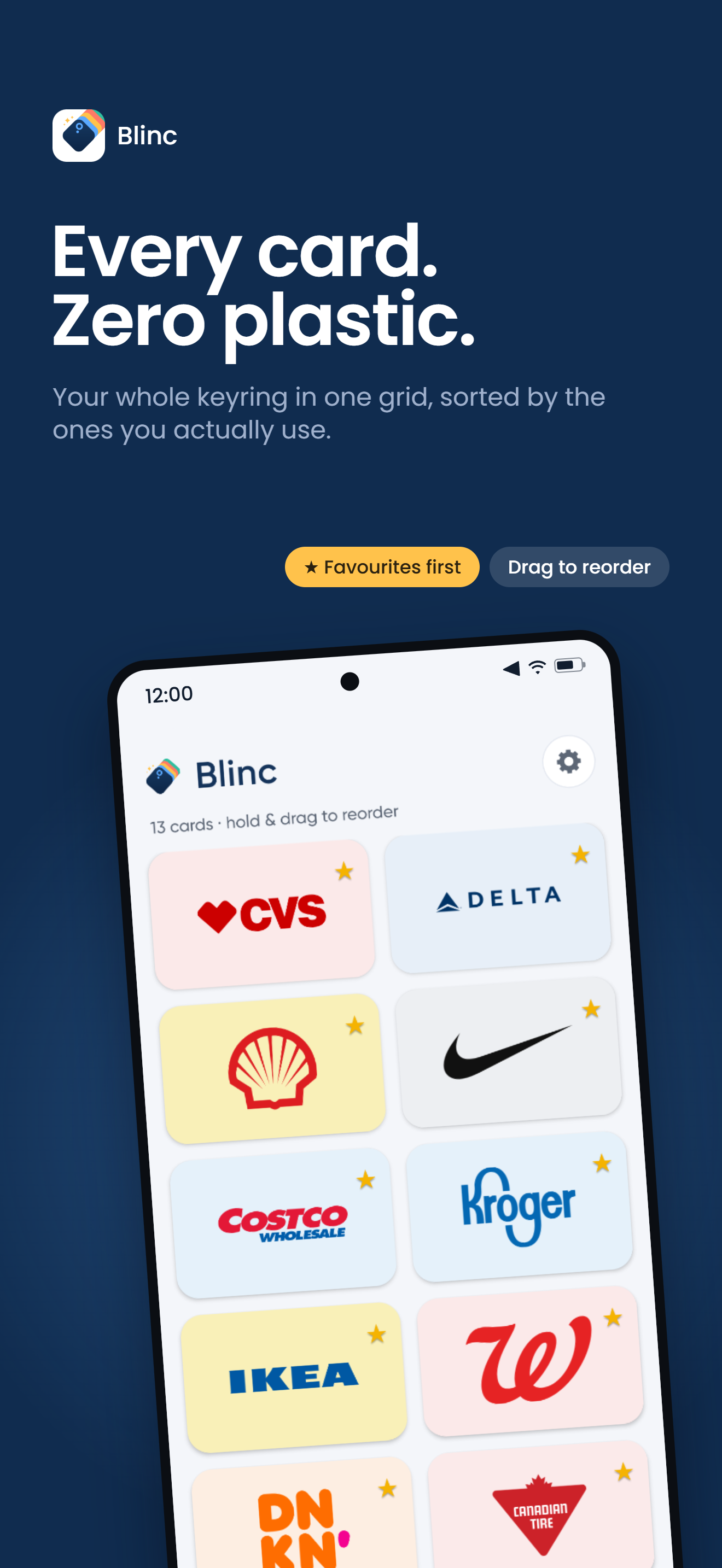
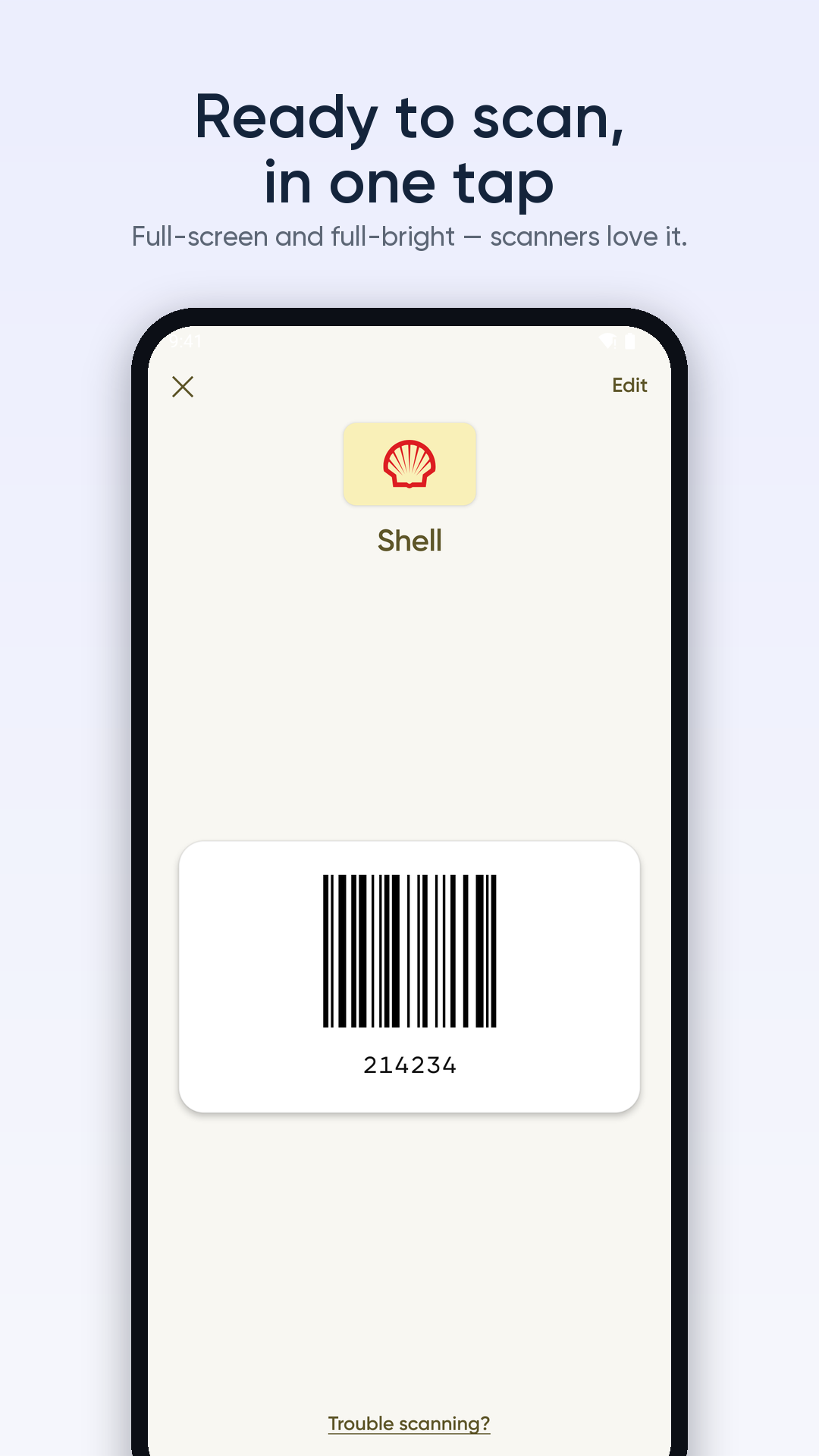
Blinc keeps every rewards and membership card in one fast, private place. Tap a card and the barcode fills your screen — ready to scan.
A quieter wallet for
everything that isn’t money.
The coffee punch card, the grocery rewards, the gym tag, the library card. Blinc gathers them all into one place that opens instantly and asks nothing of you.
Offline by default
Your cards live on your device. On a plane, in a basement, anywhere — they’re just there, no signal needed.
No account, ever
Nothing to sign up for. No email, no password, no cloud sitting on your data. Add a card and go.
Fast where it counts
Tap a card and the barcode is on screen almost before you’ve looked up — full brightness, framed and ready for the reader.
Yours to keep
Move or back up your list whenever you want. It’s your data, on your phone — not held hostage.
Three taps you’ll
actually use.
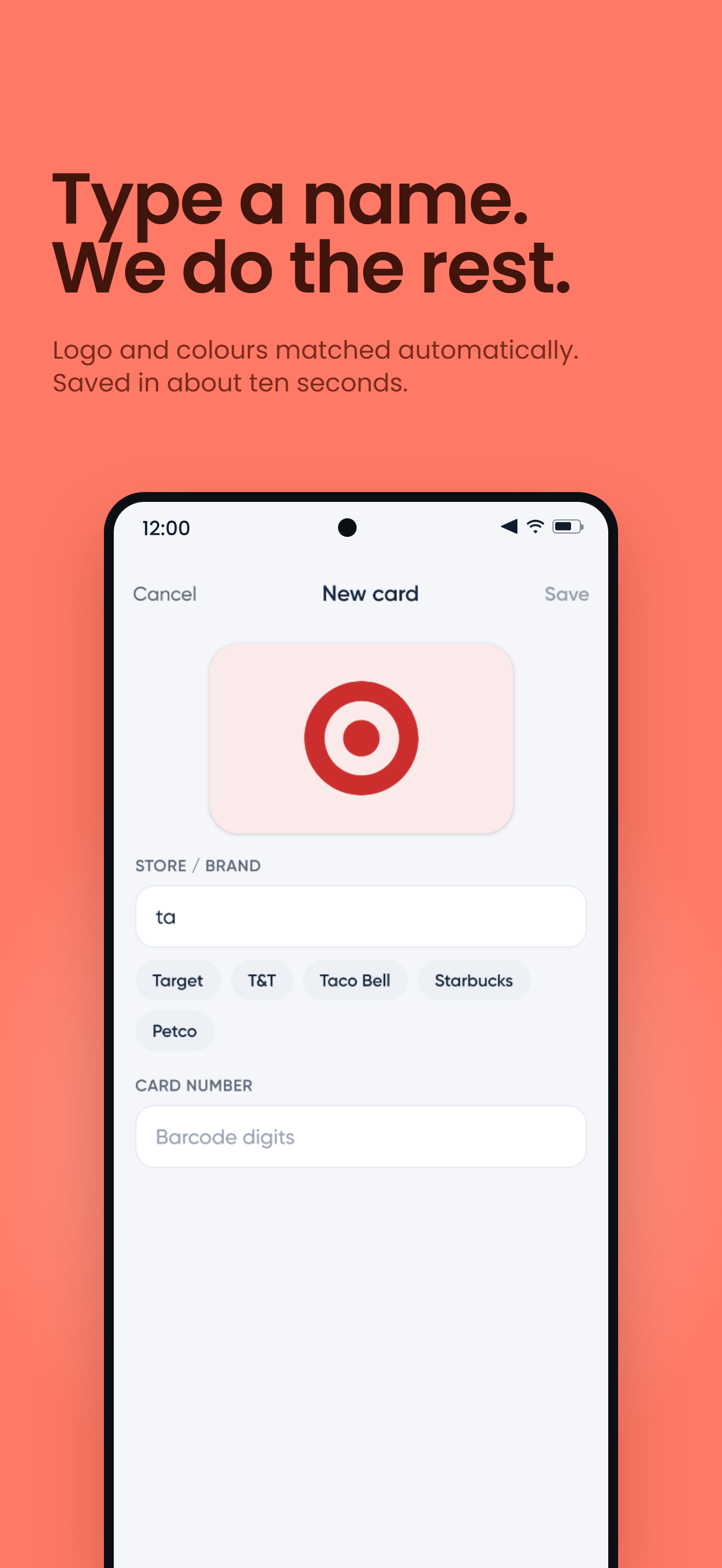
Open, tap, scan. Adding a card takes a few seconds and the app never asks you which barcode format it is — it works that out itself.
Skip the app entirely.
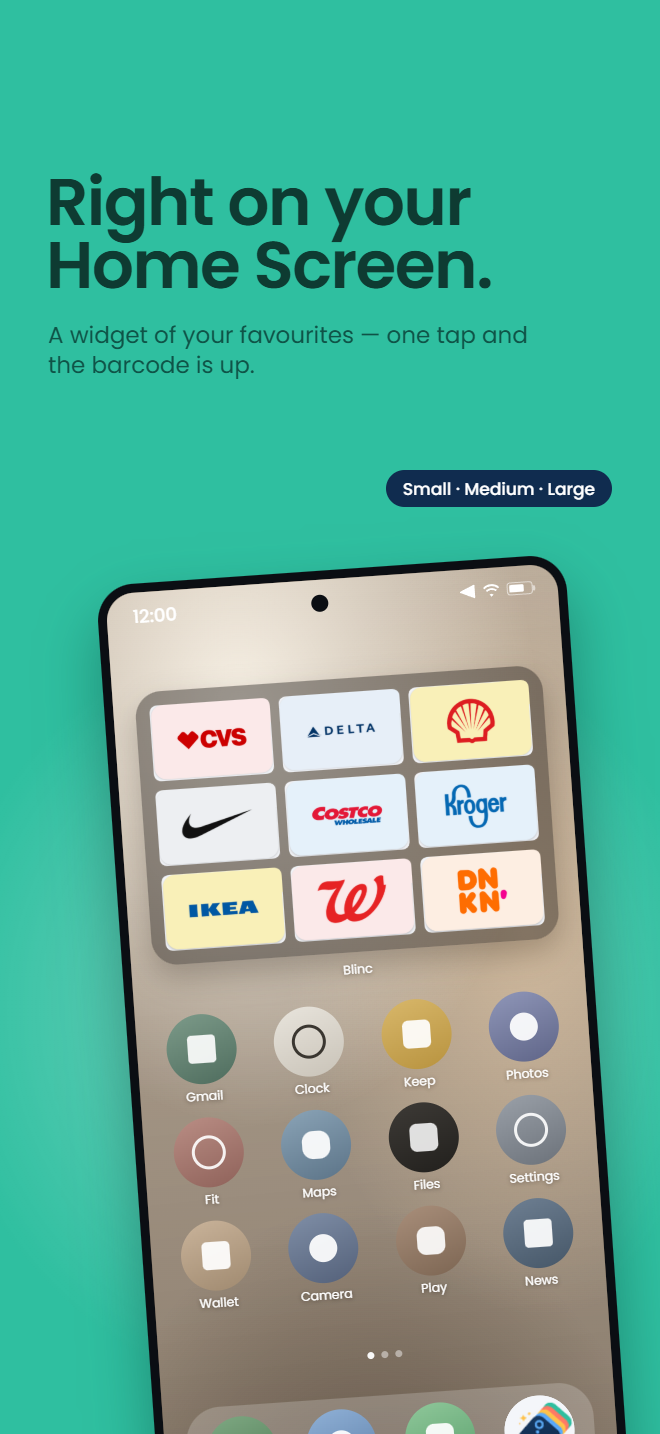
Put your favourites on the home screen. One tap on a tile goes straight to that barcode — the app never has to be open first.
- Straight from coldTiles deep-link to the barcode screen, so a tap works even when the app isn’t running.
- Any size you likeResize it and the tiles resize with it — labels drop away when the widget gets short.
- Matches your home screenPick the background and hide the labels in settings, with a live preview as you change it.
Found a bug? Got a card
that won’t add? Tell us.
We’re building Blinc in the open and read every message. Feature ideas, broken barcodes, or just hello — it all reaches the team.